Nomad Physics
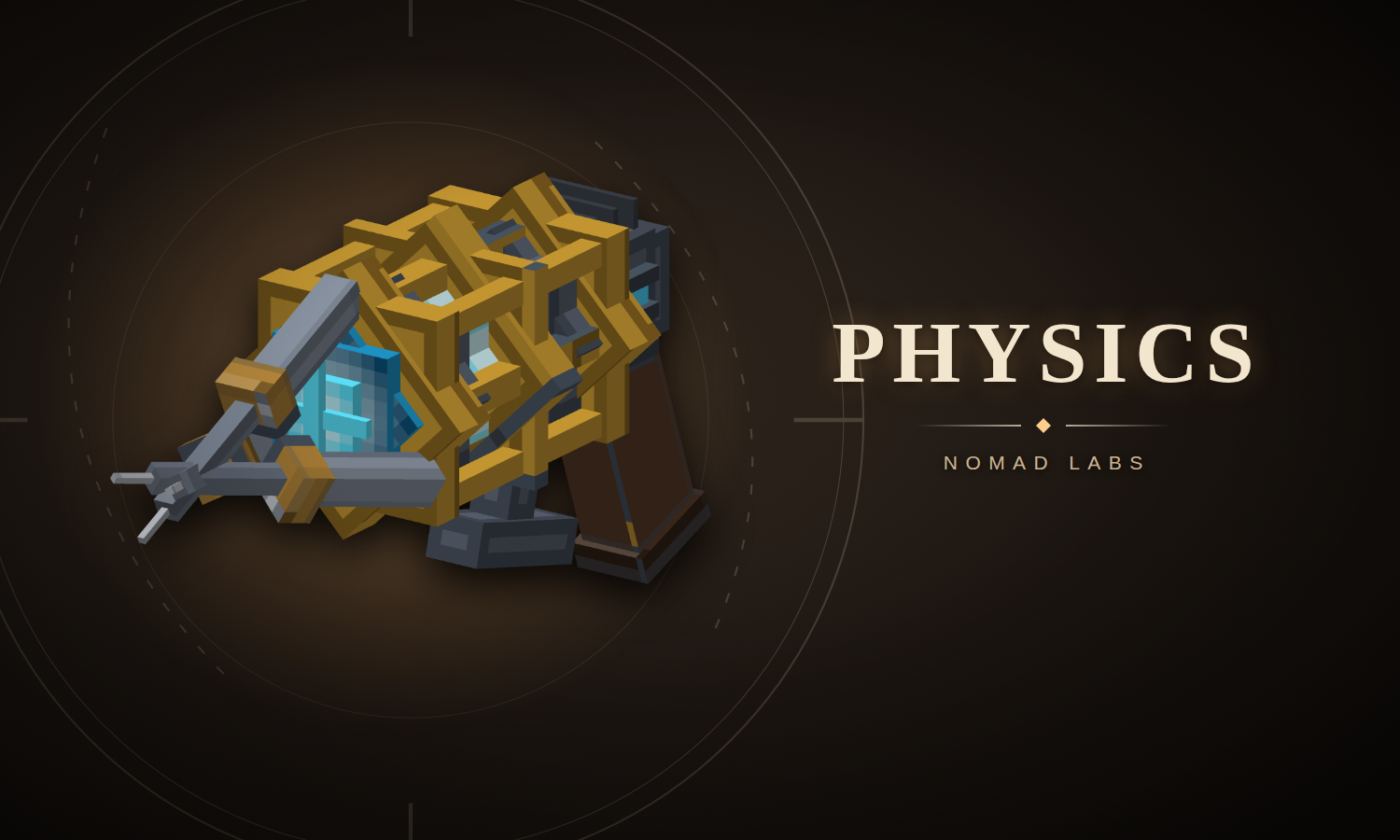
Rigid-body physics for Hytale props: the free core the packs build on. Physgun, gravity gun, joints, an API for other mods.
What you get
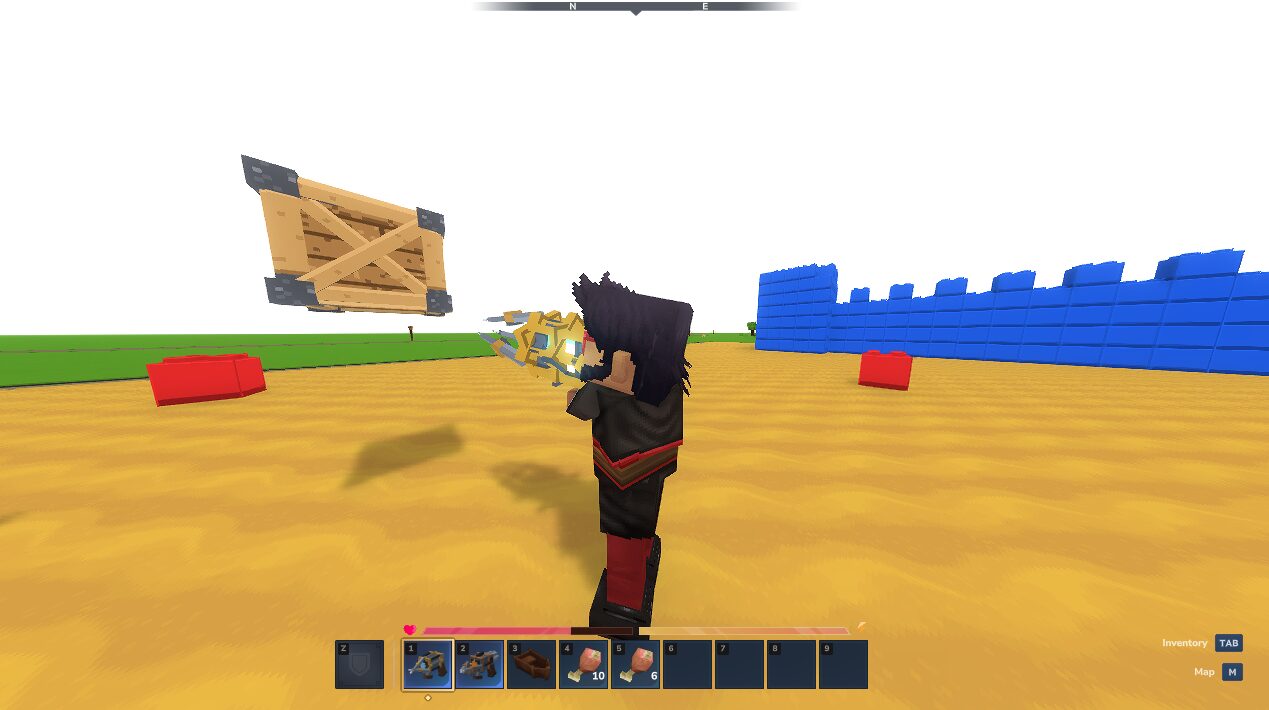
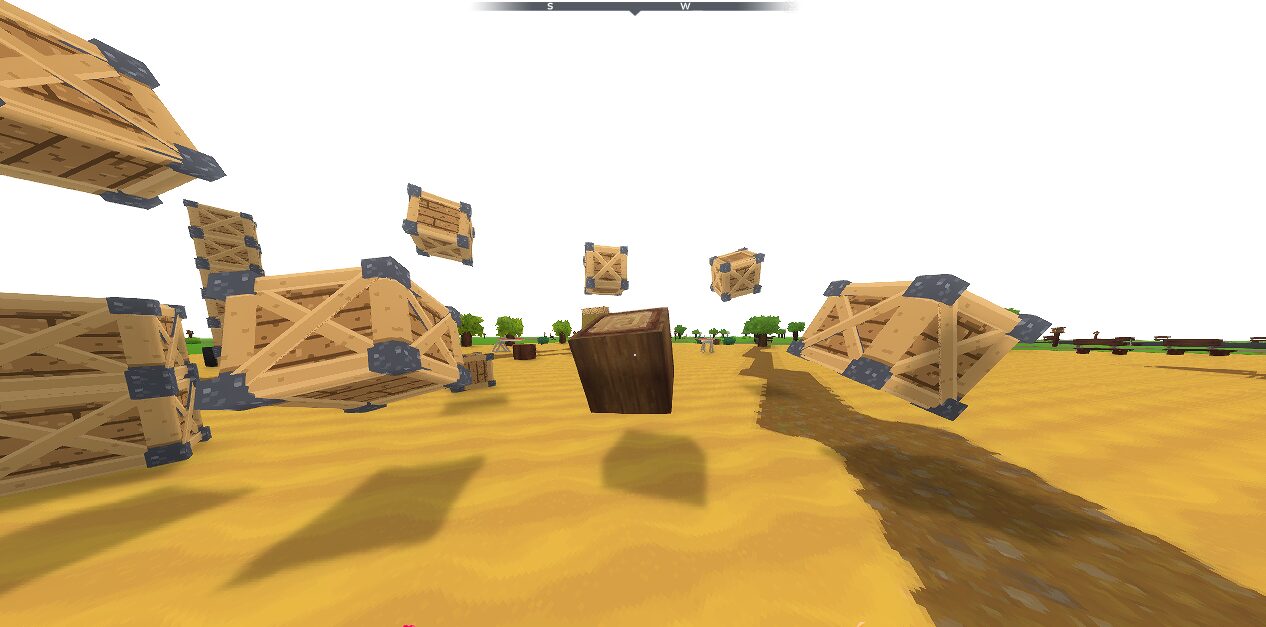
- Rigid-body physics for props. Props fall, roll and collide with the world, with ode4j running the simulation on the server. Players do not need a client mod.
- Physgun. Grab the prop under your crosshair and carry it where you aim. It can carry heavy objects without the gravity gun's mass limit, and it can freeze and rotate props.
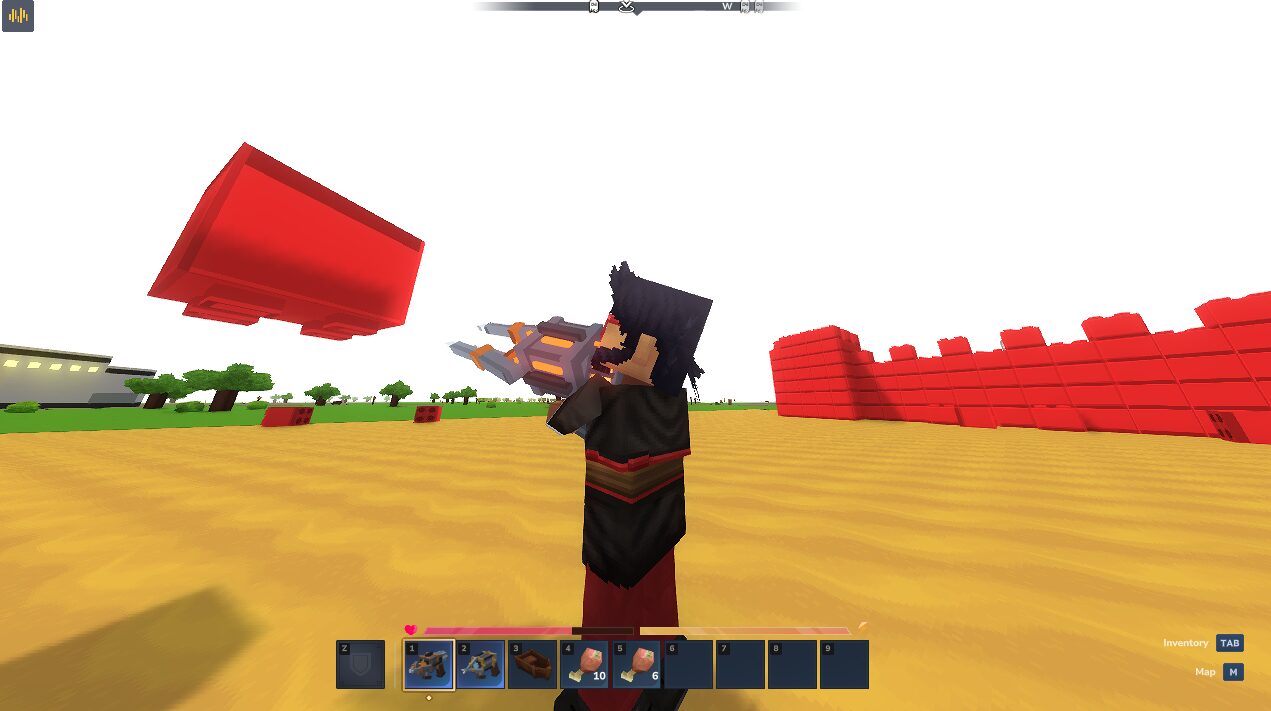
- Gravity gun. Pull a prop toward you and hold it, then drop it or punt it away. It has a shorter reach and a carry mass limit.
- A wooden crate and three demo blocks: Rubber, Steel and Slick.
- An API for other plugins.
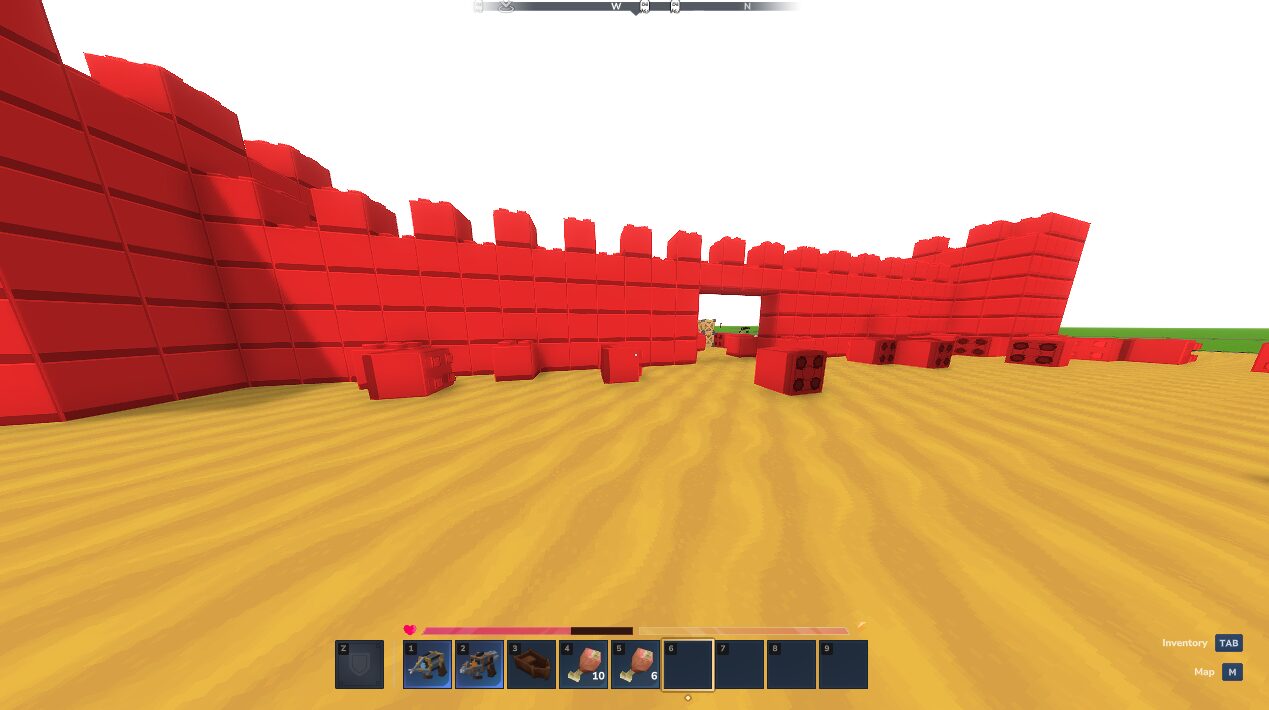
PhysicsApilets other mods use the same physics, including content packs such as Bowling and War Games.
Install
- Put
NomadPhysics.jarin your server'smodsfolder and restart the server. The jar includes its assets. - When upgrading, replace the previous Nomad Physics jar so only one copy is installed.
- In an open area, as a server operator, run
/physics tool physgun,/physics tool gravgunand/physics demo crates.
The tools have no crafting recipes. Give one to another player with /physics tool physgun --player=PlayerName or /physics tool gravgun --player=PlayerName; the recipient must be in the same world as the command.
Using the tools
These are the default mouse and Use-key bindings.
| Tool | Control | Action |
|---|---|---|
| Physgun | Hold left click | Grab the prop under your crosshair and carry it where you aim |
| Physgun | Release left click | Let go of the prop |
| Physgun | Right click while carrying | Freeze the prop in place |
| Physgun | Right click a frozen prop, carrying nothing | Unfreeze it |
| Physgun | F while carrying | Enter rotate mode; press F again to resume carrying |
| Physgun | Crouch and look up or down while carrying | Adjust how far away you hold the prop |
| Gravity gun | Right click a prop | Pull it toward you and hold it in front of you |
| Gravity gun | Right click again | Drop the held prop, or cancel a pull |
| Gravity gun | Left click | Punt the prop you are holding or aiming at |
With either gun equipped and nothing held, press F to toggle block mode. In block mode the gun can pull allowed blocks out of the world and move them as loose props. They snap back into the block grid when they settle; if no suitable space is available, they drop as an item. Block pickup needs the tool's permission and nomadphysics.blocks.
Rubber, Steel and Slick
Find the demo blocks in the creative catalog under Blocks > Build, or use /give <player> <ItemId>.
| Item | Item ID | Behaviour while loose |
|---|---|---|
| Rubber Block | Nomad_Demo_Rubber | Bounces on solid terrain, each bounce losing height until it stops |
| Steel Weight | Nomad_Demo_Steel | Four times the ordinary block mass, so the same impulse moves it less |
| Slick Block | Nomad_Demo_Slick | Slides farther than an ordinary loose block; when placed, players slide across it like ice |
Permissions
| Default permission | Allows |
|---|---|
nomadphysics.physgun | Using the physgun |
nomadphysics.gravitygun | Using the gravity gun |
nomadphysics.blocks | Picking up world blocks with either tool; the tool's own permission is also required |
nomadphysics.admin | Passing the additional permission check on /physics tool to hand out tools |
These nodes are configurable and separate from the server's command permissions, so keep administrative commands restricted through your normal permission setup.
Configuration
The plugin creates config.json in its data directory on first startup. Stop the server before editing it, then restart to load your changes.
| Section | What you can change |
|---|---|
Physgun | Reach, carry distances, distance adjustment and the permission node |
GravityGun | Reach, carry distance, MassCap, PuntSpeed, weaker shoves for heavy props and the permission node |
Blocks | Allowed tags, denied block IDs, base mass, the per-player airborne-block limit and the permission node |
Creatures | Enable or disable creature pickup, adjust its limits, and turn landing damage on or off with Damage |
Impact | Damage and knockback from props hitting players; set Enabled to false to disable it |
Diagnostics | Set to true when investigating a problem; off by default |
Operator commands
| Command | Purpose |
|---|---|
/physics status | Show the current world's physics state |
/physics stats | Inspect body counts, simulation cost and contacts |
/physics holds | List active holds and frozen props |
/physics unfreeze all | Unfreeze all tool-frozen props in the current world |
/physics blocks | Inspect the block allowlist and airborne blocks |
/physics creatures | Inspect creature settings and active creature adoptions |
/physics owners | List registered mod integrations and their adopted entities |
/physics joints | List the current world's joints |
/physics clear | Clear the world's physics simulation, including props created by content packs |
Use /physics clear to reset a test area, not as a routine cleanup on an active game.
Packs built on it
Nomad Physics is the free core. Content packs such as Bowling and War Games use it through PhysicsApi. Each pack goes through the public API and needs this core installed.
For plugin authors
The Java API is for server plugins; server owners do not need it. Compile against the jar with compileOnly, add co.nomadlabs:NomadPhysics to Dependencies in your manifest, and install Nomad Physics alongside your plugin. Bundling a second copy of the physics classes can give your plugin a separate API holder.
PhysicsApi.get()returns null before setup and after shutdown.spawnBodyreturns null when the model is unknown, the destination section is unloaded, or the world has reached its body cap. Query the cap withbodyCap()rather than hard-coding it.- Simulation calls must run on the owning world's thread, for example inside
world.execute(...). Contact, impact and adoption callbacks already run there. - Beyond bodies and impulses there are contact and impact listeners, hinge, slider and ball joints,
adoptandreleasefor existing entities,spawnBlockBody, andregisterMachinefor content-pack items. - To make your own entities work with the guns, implement
AdoptableOwnerand register it from your plugin'sstart(). AdoptOptionscan set friction and restitution; the original five-argument constructor still works.
Known limits
- Per-world body cap. Every prop counts towards a per-world cap, and
spawnBodyreturns null at the cap. - Mods' own entities. Another mod's entities need that mod to register an integration before the guns can take control of them.
- Creatures. They can be picked up only when creature handling is enabled; their AI pauses while physics controls them and resumes after release.
- Water. Bodies configured with a buoyancy density can float; bodies without buoyancy sink.
- Ordinary props too heavy to lift with the gravity gun can still receive a weaker shove.
Before you install
- Version history: changelog.
- Support: nomad-labs.co/support. Include the output of
/physics statusand the log lines around any error.
Questions
Do players need to install anything?
No. The simulation runs on the server, and players do not need a separate client mod.
How do I give a player the physgun or gravity gun?
The tools have no crafting recipes. Run /physics tool physgun or /physics tool gravgun as an operator, adding --player=PlayerName to give one to another player in the same world. The player also needs the matching permission, nomadphysics.physgun or nomadphysics.gravitygun.
Can the guns pick up blocks and mobs?
Blocks, yes: press F with a gun equipped and nothing held to toggle block mode, and the server's Blocks settings decide which block types can be picked up. Mobs and animals can be picked up when creature handling is enabled in the config.
What are the Rubber, Steel and Slick blocks?
Three demo blocks in the free core. Rubber bounces, Steel has four times the ordinary block mass, and Slick slides farther while loose and acts like ice underfoot when placed.
Can other plugins use it?
Yes. Other server plugins use the physics through PhysicsApi, and content packs such as Bowling and War Games are built on it. The free core is required for them.
How do I update it?
Replace the previous Nomad Physics jar in your mods folder so only one copy is installed, then restart the server.
Also from Nomad Labs
Paid add-ons, each with its own page.