Nomad Compass
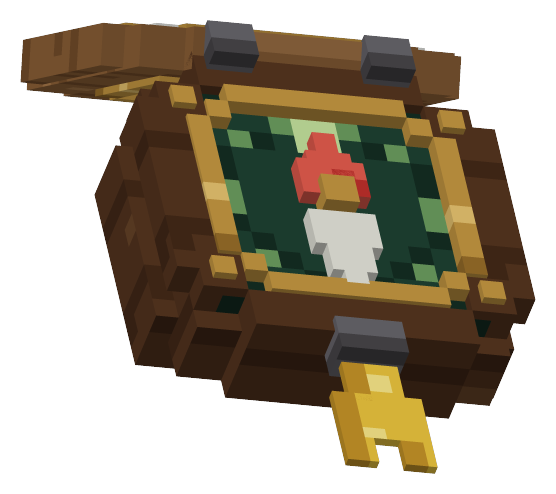
A pocket compass that points north, at a player or at coordinates. The wood case has an animated lid. No HUD.
What you get
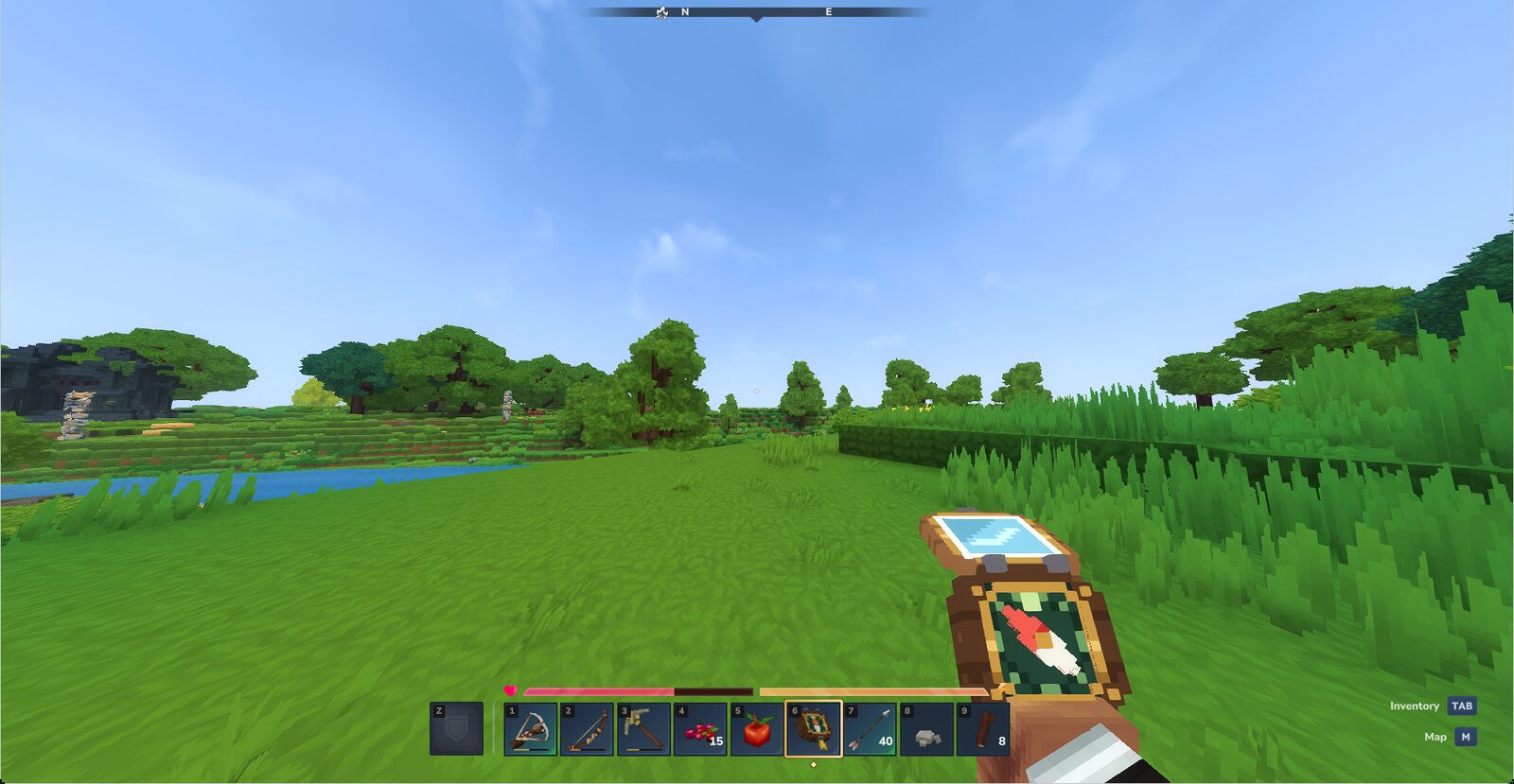
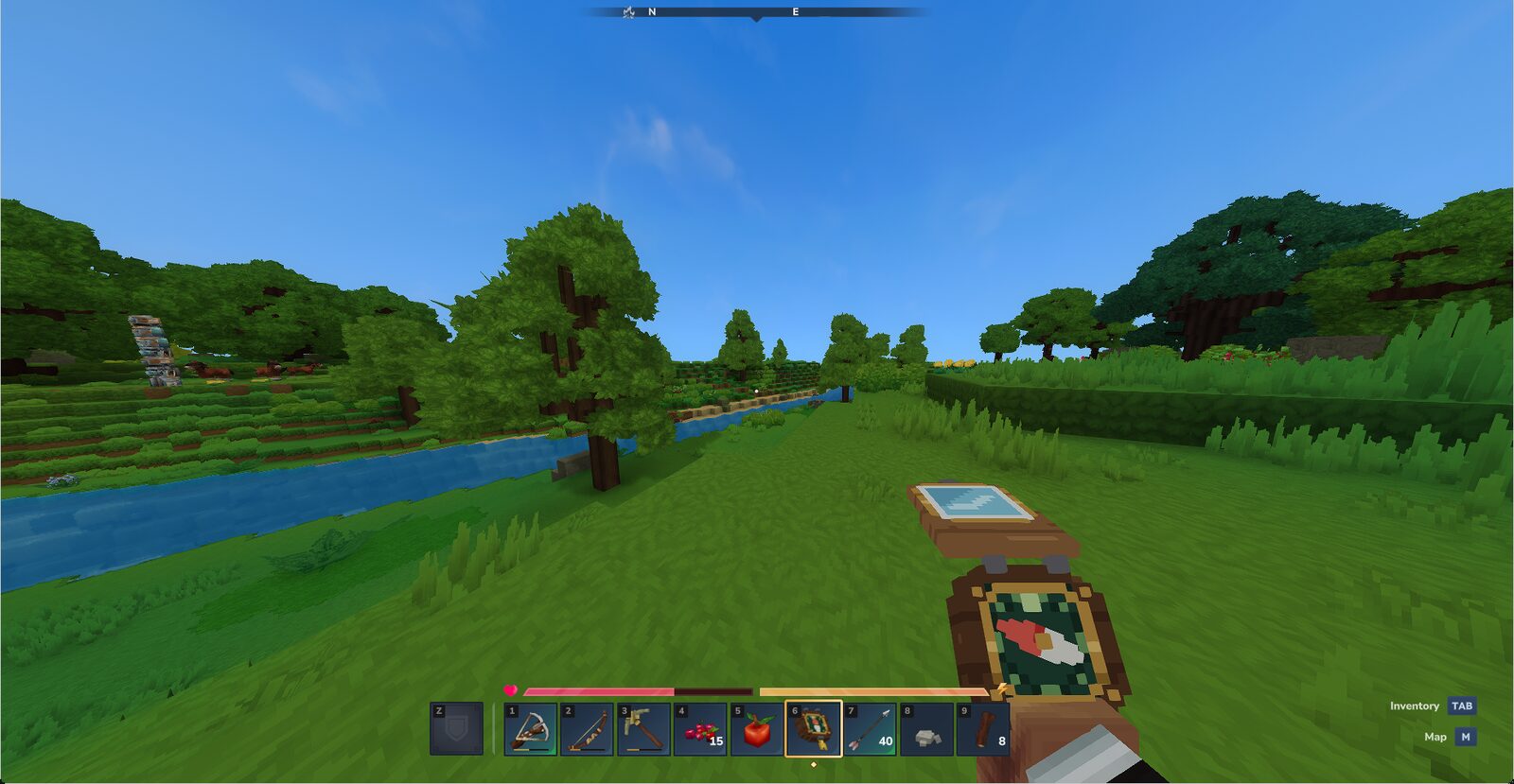
- One item. A wood-cased pocket compass with a hinged lid and a needle that moves. Switch to it and the lid snaps open; held with nothing tracked, the needle rests on north.
- Point it somewhere.
/compass trackpoints the needle at a player and/compass pointat a coordinate. It holds on the target until you clear it. - The target goes with the item. It is stored on the compass itself, so it survives a restart, follows the item when it is dropped, traded or picked up by somebody else, and is never inherited by a different compass.
- Craftable. Made at a workbench from two copper bars and a stick.
- No HUD, no client mod. Nothing is needed on the client.
Install
- Put
NomadCompass.jarin your server'sServer/mods/folder. - Start or restart the server. The asset pack is bundled inside the jar, so nothing else goes alongside it.
Do not also drop the loose asset folder in: the item would register twice.
Commands
| Command | What it does |
|---|---|
/compass track <player> | point your compass at a player |
/compass point <x> <y> <z> [world] | point it at a fixed spot |
/compass clear | back to north |
/compass status | what it is tracking right now |
The item's tooltip reflects the target: "Tracking" a player, or "Pointing at" the coordinates in a world. Clearing the target restores the stock description, and a cleared compass stacks with a freshly crafted one again.
Configuration
The plugin writes compass.json to its data folder on first boot. Restart the server after changing it.
| Setting | What it does |
|---|---|
RefreshTicks | how often a tracked player's position is re-read |
CrossWorldTracking | whether a target in another world is pointed at anyway (off by default: the needle spins instead) |
For plugin authors
Other plugins can set and clear targets through a small public API, or give a player a compass that already points at an objective. List co.nomadlabs:NomadCompass under Dependencies in your manifest (or under OptionalDependencies with a null check) so the server loads Compass before your plugin.
newCompass()andnewCompass(target)make a plain or a pre-set compass.withTarget(compass, target)returns a copy pointed somewhere; a null target clears it.targetOf(stack)reads what a stack points at, or null.giveCompass(player, target)puts a pre-set compass in a player's inventory, hotbar first. It completes true only if the whole stack was taken, and gives nothing at all when the player is offline, has no live world or has no room.
Build a target with TrackingTarget.player or TrackingTarget.at.
Known limits
- Restart after config changes. There is no reload command.
- Other worlds. With
CrossWorldTrackingoff, a target in another world makes the needle spin. - Tracked player positions. Only the last seen position of a tracked player is held in memory; it is re-read on the next refresh.
Before you install
- Version history: changelog.
- Support: nomad-labs.co/support. Include the output of
/compass statusand the log lines around any error.
Questions
Do players need to install anything?
No. Nomad Compass is server-side only. Put the jar in the server's mods folder and players join with the ordinary Hytale client.
Which Hytale versions does it run on?
Hytale 0.6 and the Update 7 pre-release (0.7.0-pre.1), using the same jar. It is compiled against 0.6.0 and runs on 0.6.3 servers.
What happens to the target if I give the compass to someone else?
It stays with the compass. The target is stored on the item, so a compass set on your base can be handed to a newcomer and still point there.
Is there a HUD or a config command?
No HUD. The only setting file is compass.json, read at startup, so restart the server after changing it.
How do I make a compass?
Craft it at a workbench from two copper bars and a stick.
Also from Nomad Labs
Paid add-ons, each with its own page.